


Returning a parcel in the Omniva app is now even easier
23.09.2026
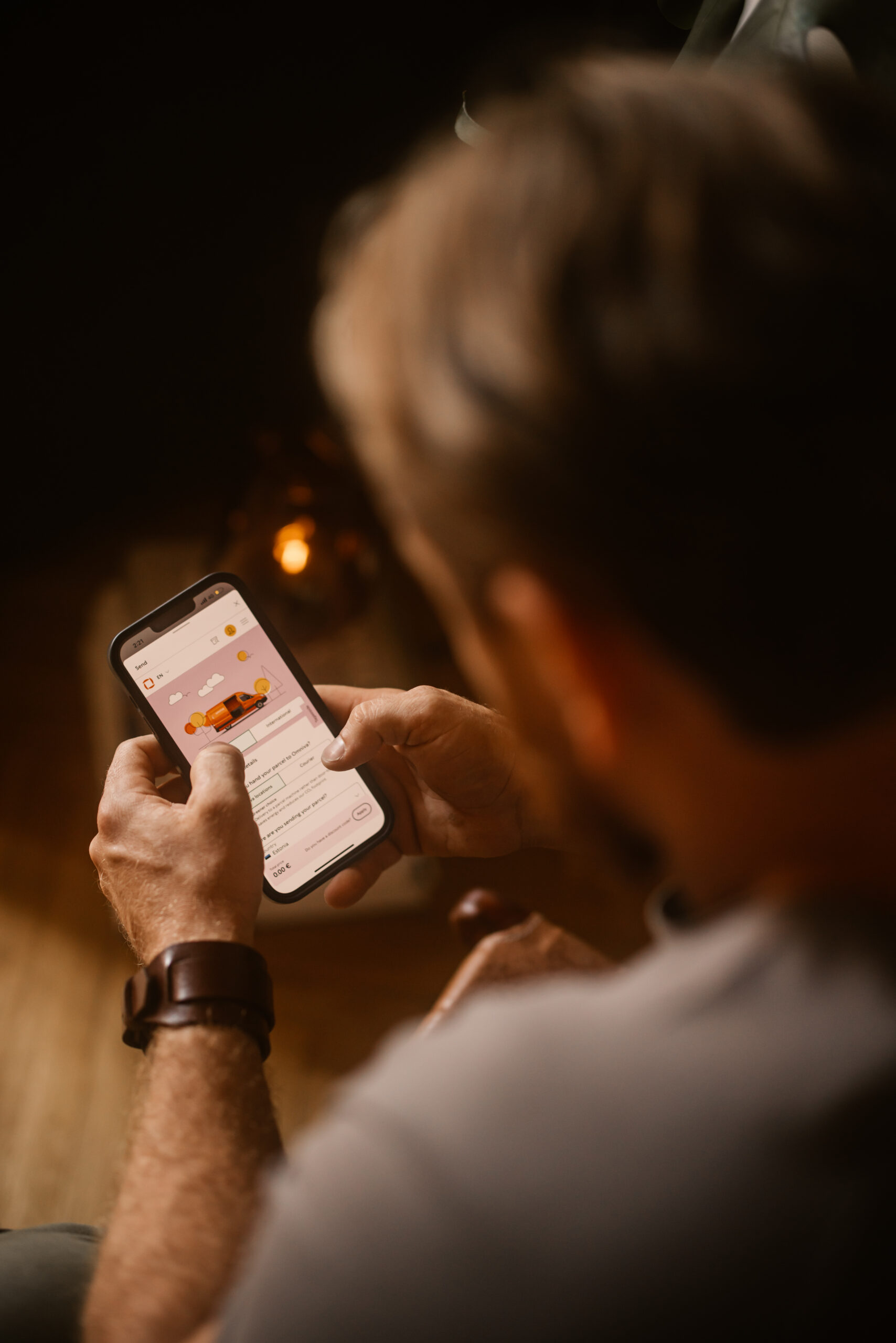
You can now start a parcel return in the Omniva app in just a few simple steps. If the seller has enabled returns through Omniva, the “Begin return” option will appear in the app after you have received your parcel. There is no need to print an address label.
When starting a return, you can choose in the app whether to use a QR code or a barcode. Then simply follow the instructions in the app and hand over your parcel at a parcel machine.
The new option makes returning online purchases easier, as the return can be started directly in the Omniva app.
The return option is not available for every parcel. If you do not see “Begin return” in the app, follow the seller’s return instructions.